Your organization's logo
Upload your organization's logo so it shows up in invitations, welcome emails and password recovery.
Your organization's logo sits at the very top of the emails Lolos sends on its behalf. That way, whoever receives an invitation recognizes right away who they're joining.
It shows up in:
- the invitation and the welcome to the organization (see Inviting someone to your organization);
- the invitation resend (Send invitation in Members);
- the password recovery email.
If the organization has no logo, its initial is shown there instead, on the lolos.ai gradient.
Uploading it
1. Open Settings → General. Click your organization's name, top left, choose Settings and stay on General.
2. Upload the image. Under Identity, the first row is Logo. While there isn't one it says No logo: click Upload logo and pick the file.
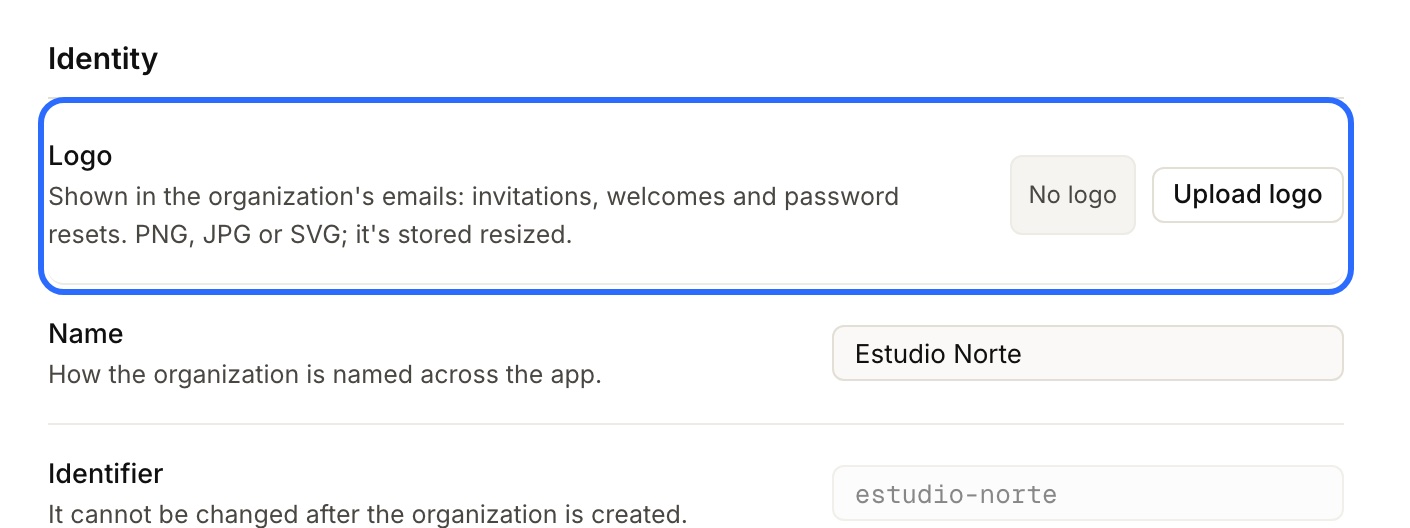
3. Done. It's saved right away, no other button needed: the “Logo updated.” notice confirms it and the row now shows a preview.
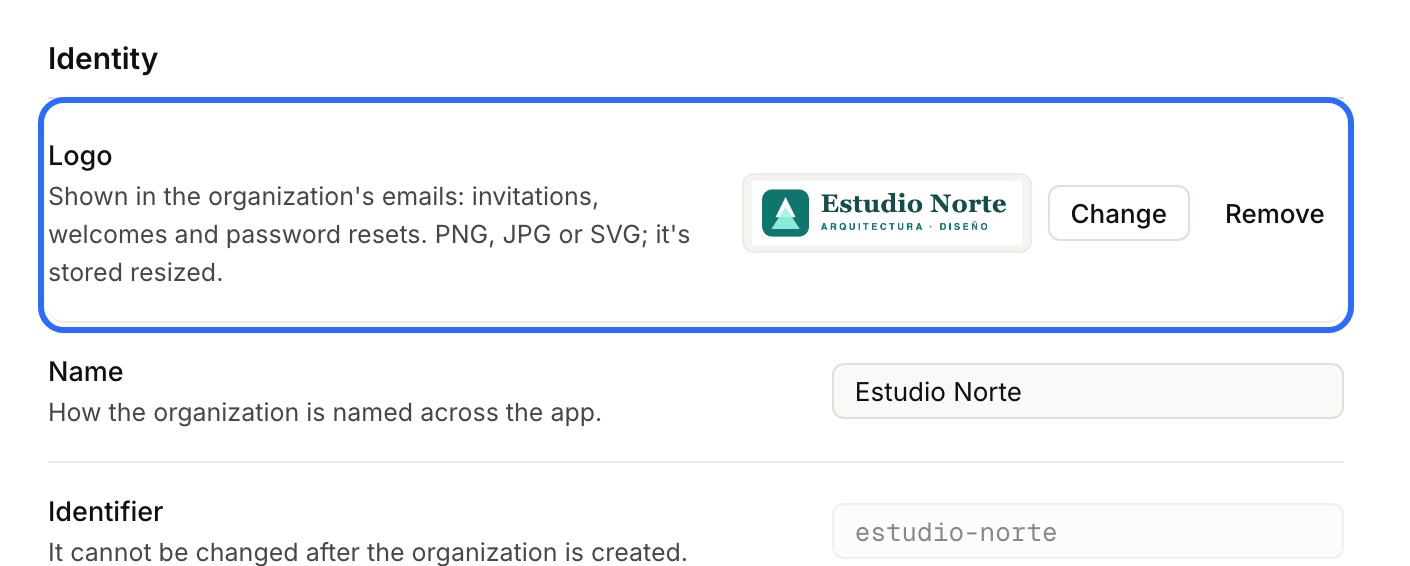
To replace it, click Change. To take it off, Remove: the emails go back to showing the initial.
Only an owner of the organization can change it.
How it looks in the email
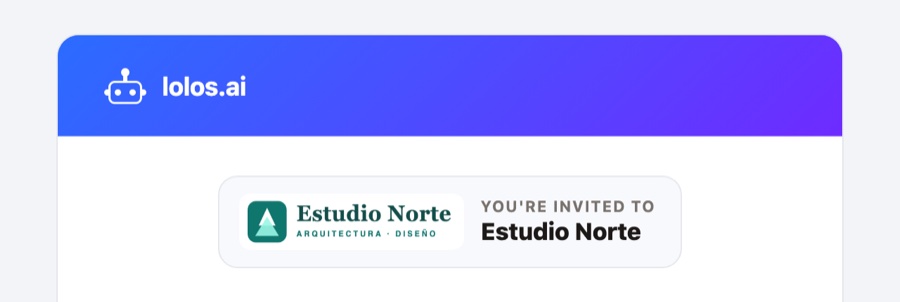
The logo sits in the card at the top, next to the organization's name:
Which image works best
- Formats: PNG, JPG or SVG.
- Size: no need to shrink it first. Lolos scales it down to 512 px on its longest side and stores it as PNG (or JPG, if it's too heavy).
- In the email it's shown 40 px tall, on a light background. A horizontal logo works well; a very elongated one ends up small.
- Avoid a white logo on a transparent background. It disappears on the email's light background. Upload the color version, or the white one on its colored square.
Who can see it
The logo isn't private: it goes in every email your organization sends, so anyone who receives one can see it. Don't upload as a logo anything you wouldn't show in an invitation.